dlorp v0.1.0
An orthographic Vulkan renderer for Brickadia saves. Open a .brdb world or a .brz prefab and fly the camera around it, or press tab and look at it in first person.
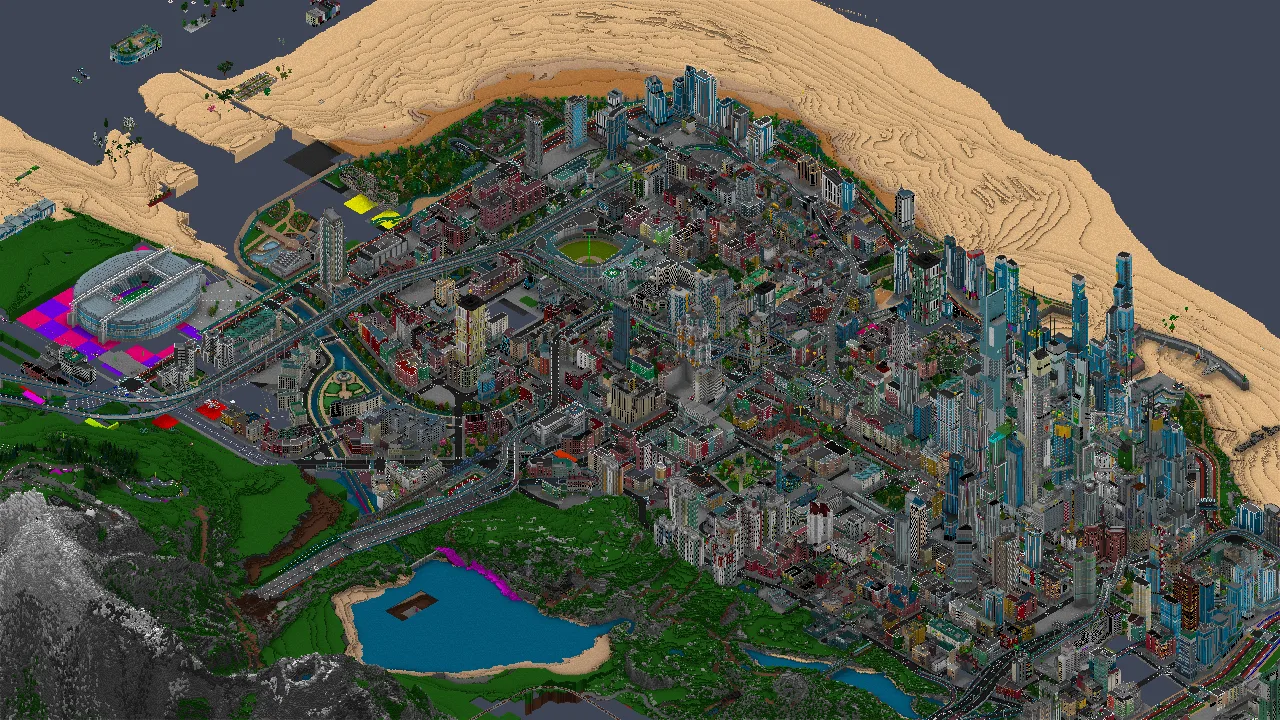
Brickadia City by Dingo Ananas, 9.5 million bricks, ssao shading.
Download
| Windows |
dlorp-windows-x86_64.exe |
| Linux |
dlorp-linux-x86_64 |
Features
- Handles big builds. A 9.5 million brick city loads in about two seconds on my machine.
- Five shading modes.
tabdrops you into a first-person flycam, so you can stand inside a build at the scale it was made at. No collision, so it goes through walls.- Loads saves from the escape menu, which browses your Prefabs, Worlds and Downloads folders.
- Takes its own screenshots with
--screenshot, and renders without a window with--headless. - Scriptable over stdin with
--control, so you can render a camera move frame by frame and hand it to ffmpeg.
TODO
- Lights
- Materials
- Shadows
- Entity debugging
Shading modes
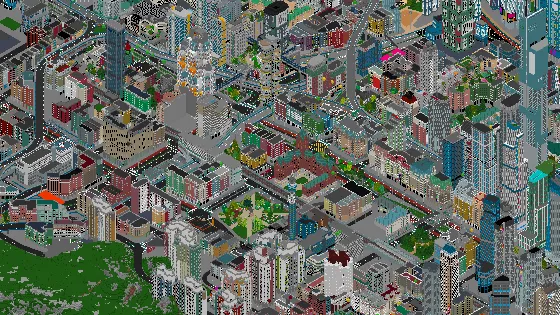 basicone directional light basicone directional light |
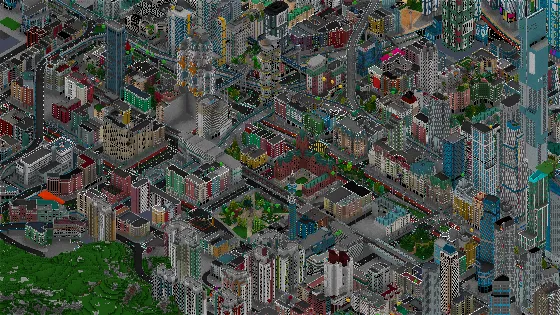 ssaoambient occlusion ssaoambient occlusion |
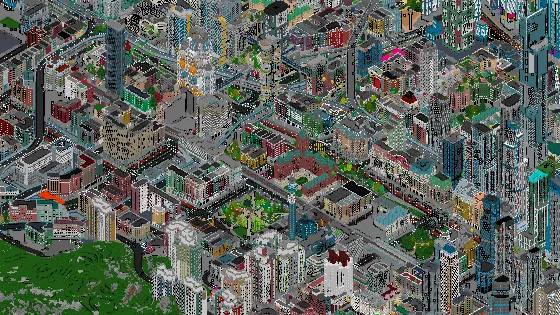 toonbanded light and ink toonbanded light and ink |
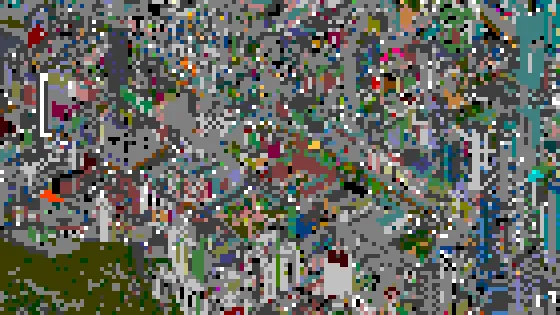 retroquarter resolution, 5 colour levels retroquarter resolution, 5 colour levels |
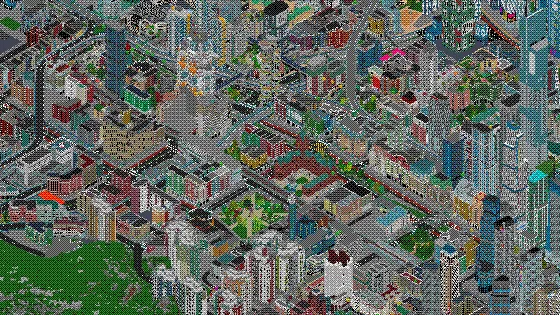 ditheredthe same palette, dithered ditheredthe same palette, dithered |
Controls
W A S D | pan across the ground plane |
space / ctrl | raise and lower the point being looked at |
Q E / R F | orbit / tilt |
- = | zoom out and in |
shift | move four times as fast |
| left drag | pan |
| right drag | orbit |
| wheel | zoom |
tab | switch between the orbit camera and the first-person flycam |
escape | open the menu. Arrows and enter to navigate, escape to back out. |
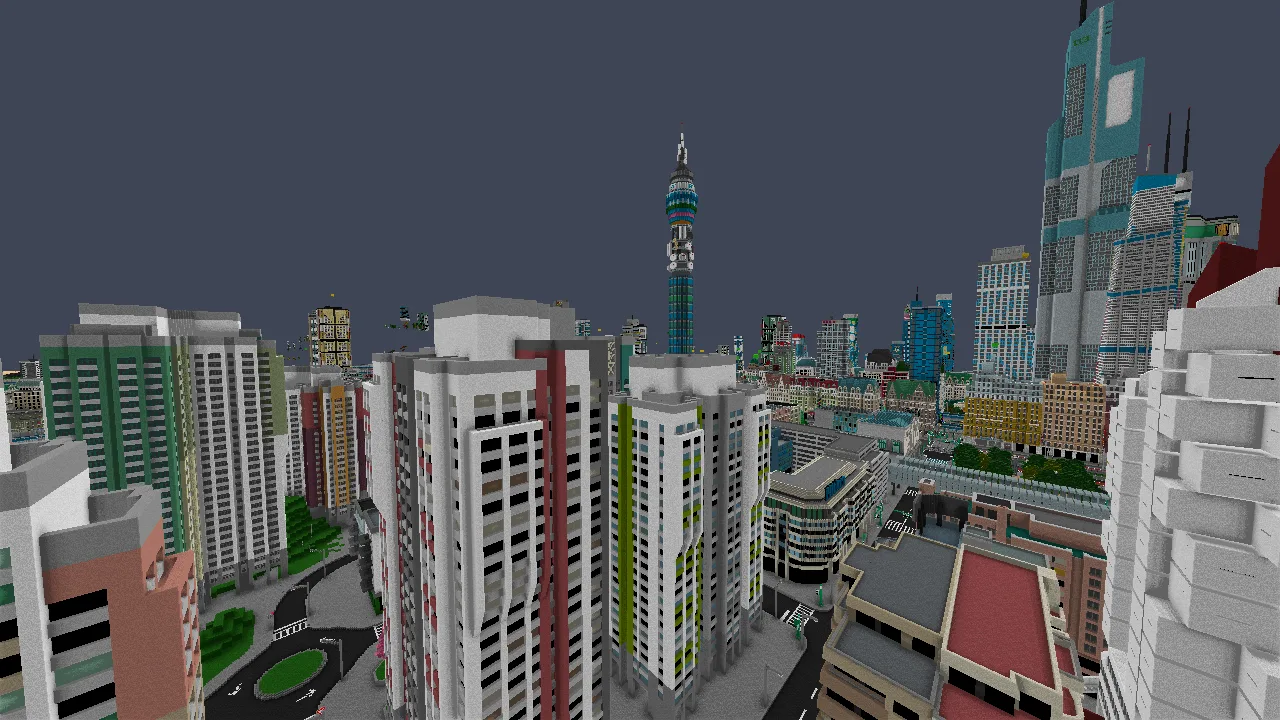
The same city from the flycam, ssao shading.
Command line
dlorp --save some.brz
dlorp --save world.brdb --shader ssao --size 1920x1080
--save PATH | .brdb world or .brz prefab to draw |
--shader NAME | basic, retro, dithered, toon or ssao |
--size WxH | window and render size (default 1280x720) |
--speed X | multiply every key-driven camera rate |
--headless | render with no window |
--screenshot PATH | write a PNG of the last frame before exiting |
--frames N | stop after N frames (0 = until closed) |
--fixed-step HZ | advance the camera 1/HZ per frame instead of by the wall clock |
--control | read commands from stdin, one per line |
--dump-bricks | print every brick in the save and exit |
--help | the full list, including the control commands |
Rendering a 10 second pan to a video:
{ echo 'key d down'; echo 'key e down'
  for i in $(seq -w 1 600); do
      echo 'frame 1'
      echo "screenshot /tmp/pan/$i.png"
  done
  echo quit
} | dlorp --save "$SAVE" --headless --size 1920x1080 \
      --shader ssao --fixed-step 60 --control

ffmpeg -framerate 60 -pattern_type glob -i '/tmp/pan/*.png' -crf 18 pan.mp4